
Playrooms Poolroom Guide (2026): Water Pit Walkthrough
How to clear the Playrooms Poolroom in 2026, including the water route, split levels, the last hidden balls and the wall-stuck ball fix on PC.
Quick answer: The Playrooms Poolroom is a split-level water area. Clear the deck first, then the waterline, then the corners under the pool lip. Deliver in full loads, keep the pit as your anchor, and if a ball is stuck in a wall, use the handheld vacuum against the seam before resetting the room.
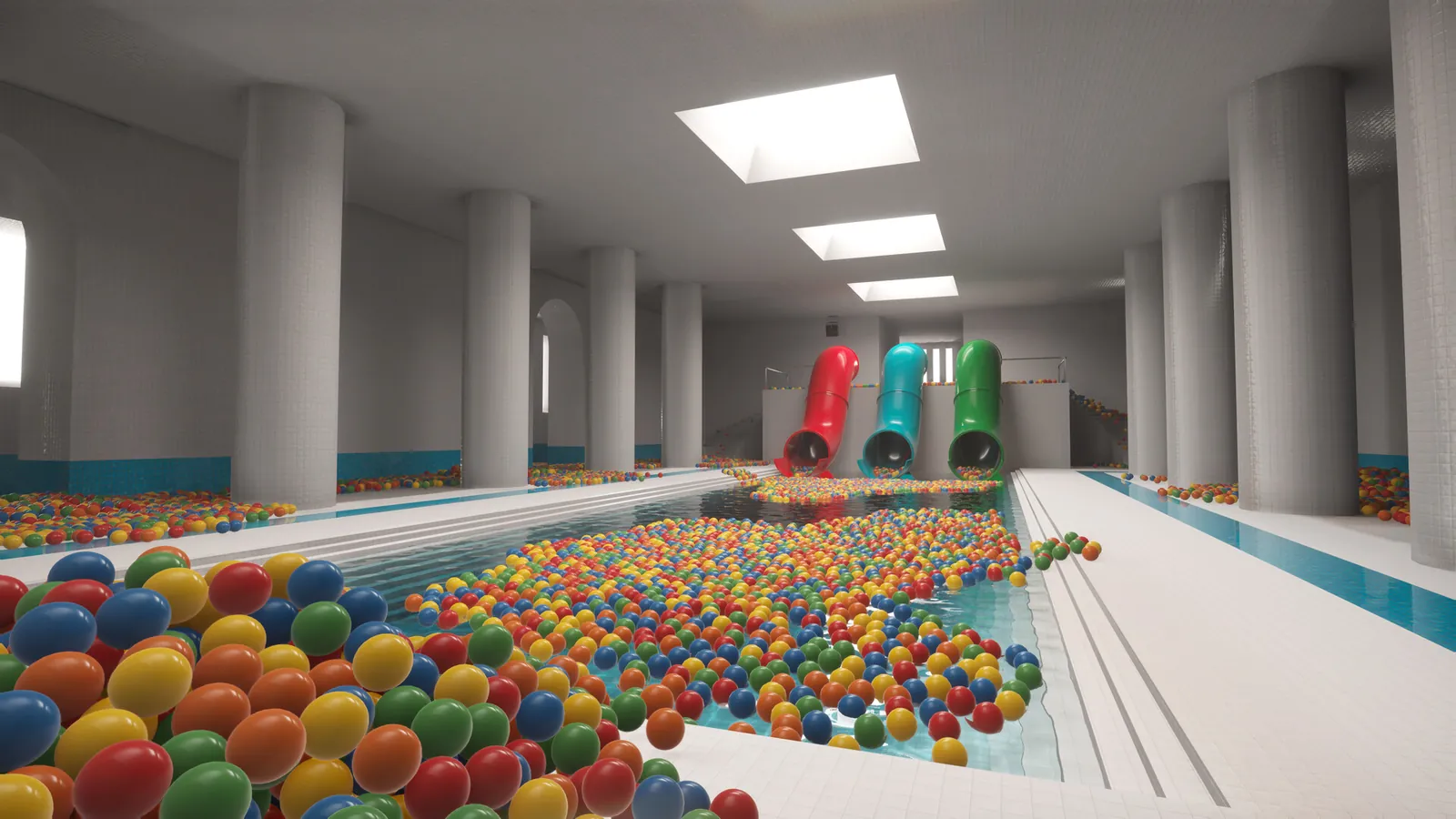
What the Poolroom changes
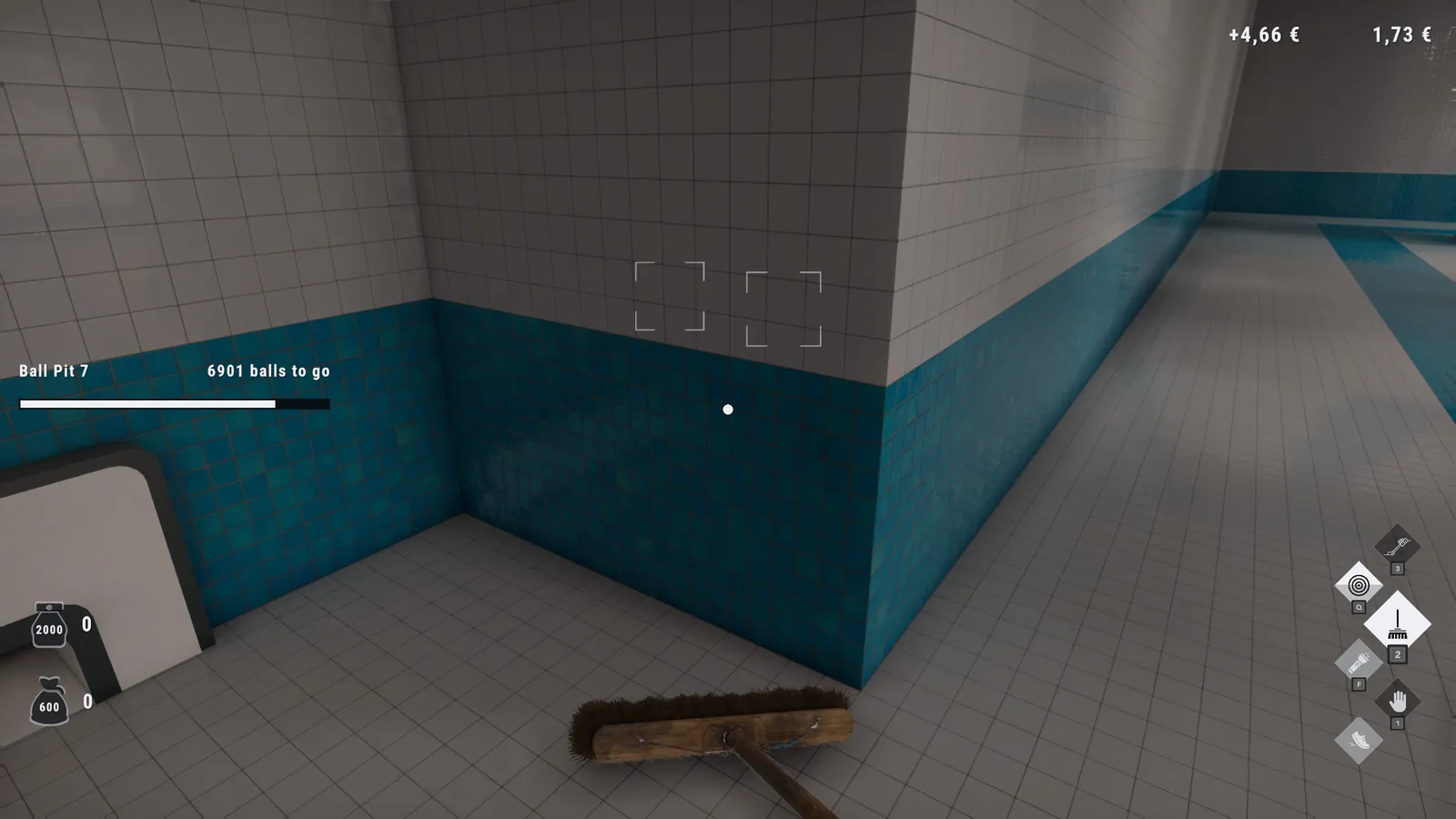
The second area introduces two things the Playroom did not have: water and height. The pit sits on a pool deck rather than in the middle of a flat room, and the balls spread across the deck, the pool edge and the tiled corners. The result is a room that looks open but has more verticality than the first area.
The room's achievements are straightforward. "Splash splash" fires when you enter, and "Clean Poolroom" fires when the pit is full. There is no hidden mechanic tied to the water; you do not need to drain the pool or collect a special ball.
Poolroom route
A clean Poolroom run has four phases:
- Deck sweep. Start at the entrance and walk the perimeter of the pool deck. Pick up everything in the open and deliver when your hands are full. This teaches you where the pit is relative to the doors.
- Waterline. Walk the edge of the pool and collect the balls that have collected against the lip. Do not jump into the water for a single ball unless you are already close to the pit; the climb out costs more time than the ball is worth.
- Corner check. The tiled corners behind the pool and beside the columns hide balls that the deck lighting does not catch. Use the flashlight here even in a lit room.
- Under-lip check. Get low and look under the pool's raised edge. This is where the last few balls sit, and it is also where the geometry bugs live.
The corner check produces a small load. If you do it with full hands, you will walk back with a partial load and waste the trip. Dump first.
The water is not a hazard
Unlike a survival game, the water in the Poolroom does not drown you or slow you to a crawl. It changes the route, not the rules. The main cost is the climb out and the reduced visibility at the waterline. If a ball is floating in the middle of the pool, the fastest play is usually to finish the deck, then swim out and collect the water balls in one trip.
Do not try to carry a full load while swimming if you can avoid it. The extra time in the water adds up, and the pit is on the deck, not at the pool edge.
The last balls in the Poolroom
The Poolroom's tail is predictable:
- Balls under the pool lip, visible only from a low angle.
- Balls in the gap between the tiled wall and the floor.
- Balls behind the columns at the deep end.
- The occasional ball inside the wall geometry, usually near a corner where two tiled surfaces meet.
The first three are normal cleanup. The fourth is a bug, and it has a specific fix. Hold the handheld vacuum against the wall seam and move it slowly along the join; the suction can pull a ball through the surface. If that fails, try the broom from the other side of the wall, or reload the room from the main menu.
The stuck balls guide→ covers the full fix list, including the ceiling and furniture cases that show up later in the Hotel and School.
Should you buy the vacuum before the Poolroom?
The handheld vacuum is worth buying before the Poolroom if you can afford it, but it is not mandatory. Its main value here is the wall-seam recovery, not routine cleaning. The scoop and your hands are faster for open-floor balls.
The robot vacuum is a different tool and a worse buy at this point. It is designed for large rooms with long routes; the Poolroom's deck is compact enough that the robot spends more time navigating than collecting. The ball vacuum guide→ explains the difference between the two tools.
Poolroom and the 100% run
For a completion run, the Poolroom has three tasks: enter it, clear the pit and find any sparrows that spawn in the pool area. The sparrows are not guaranteed to spawn in the same place every run, so the sparrow locations page→ focuses on search patterns rather than fixed coordinates.
If you are chasing "Model employee" (all eight pits), the Poolroom is the second pit in the list. It is also one of the easier pits to clear, which makes it a good confidence check before the Backrooms maze.
Common Poolroom mistakes
Swimming for one ball at a time. Batch the water balls. The climb out is the cost, not the swim.
Ignoring the under-lip gap. It is the most common reason a pit sits at 98% while the room looks clean.
Resetting the room too early. A reset can clear the pit progress for the room and does not always recover the stuck ball. Try the vacuum first.
Buying the robot instead of capacity. The Poolroom rewards fewer, fuller trips. Capacity does that better than automation.
About Playrooms (2026)
Playrooms is a casual indie simulation game with light horror from Two Pixels UG. It released on November 4, 2026 for Windows PC via Steam, costs $6.99 and supports controllers. The Poolroom is the second of eight ball-pit areas.
For live details, see the Steam page ↗, the achievement stats ↗ and the news archive ↗.
Official source: Playrooms on Steam ↗
FAQ
How do you clear the Poolroom in Playrooms? Clear the deck, then the waterline, then the corners and under the pool lip. Deliver in full loads and use the vacuum on wall seams if a ball is stuck.
Can you go in the water? Yes. Water changes the route but does not drown or damage you.
Why is the Poolroom pit stuck at 99%? A ball is usually under the pool lip or inside a wall seam. Check low angles first, then use the handheld vacuum against the wall join.
Do you need the vacuum for the Poolroom? No, but it makes the stuck-ball recovery much easier.
Is the Poolroom the second room? It is second in the achievement order. The game has not published an official chapter list, so follow in-game prompts if they differ.