
Playrooms Tips (2026): 12 Habits That Save Hours
Twelve practical Playrooms tips for 2026, covering carry capacity, room routing, dark sections, stuck balls and the upgrades worth buying first on PC.
Quick answer: The biggest Playrooms time savers are boring: carry a full load every trip, clear rooms in three passes, buy capacity before automation, and leave a room when the pit is full rather than when the floor looks clean. Keep the flashlight for dark sections and never sprint when the lights fail.
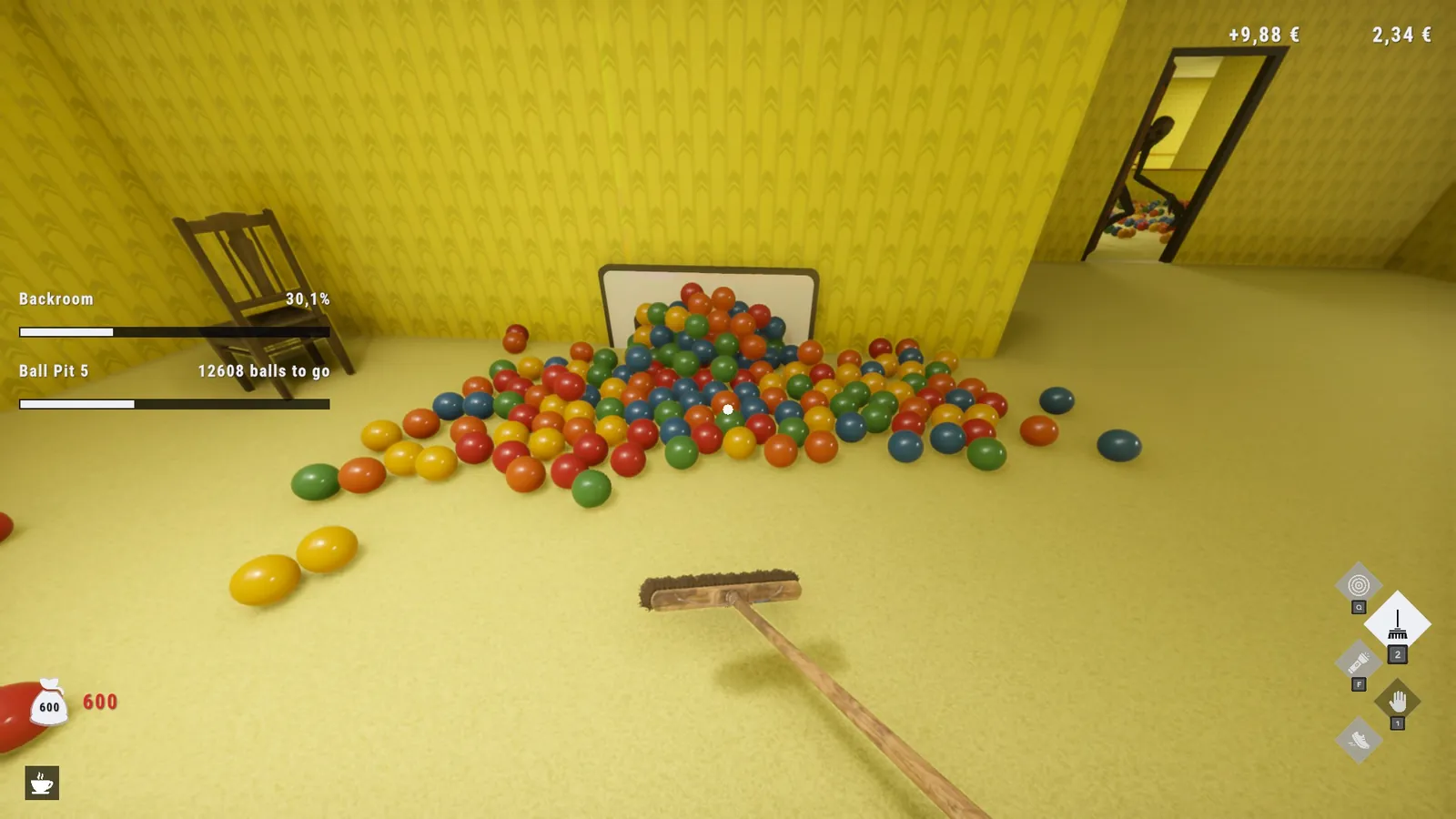
1. Treat capacity as a time stat
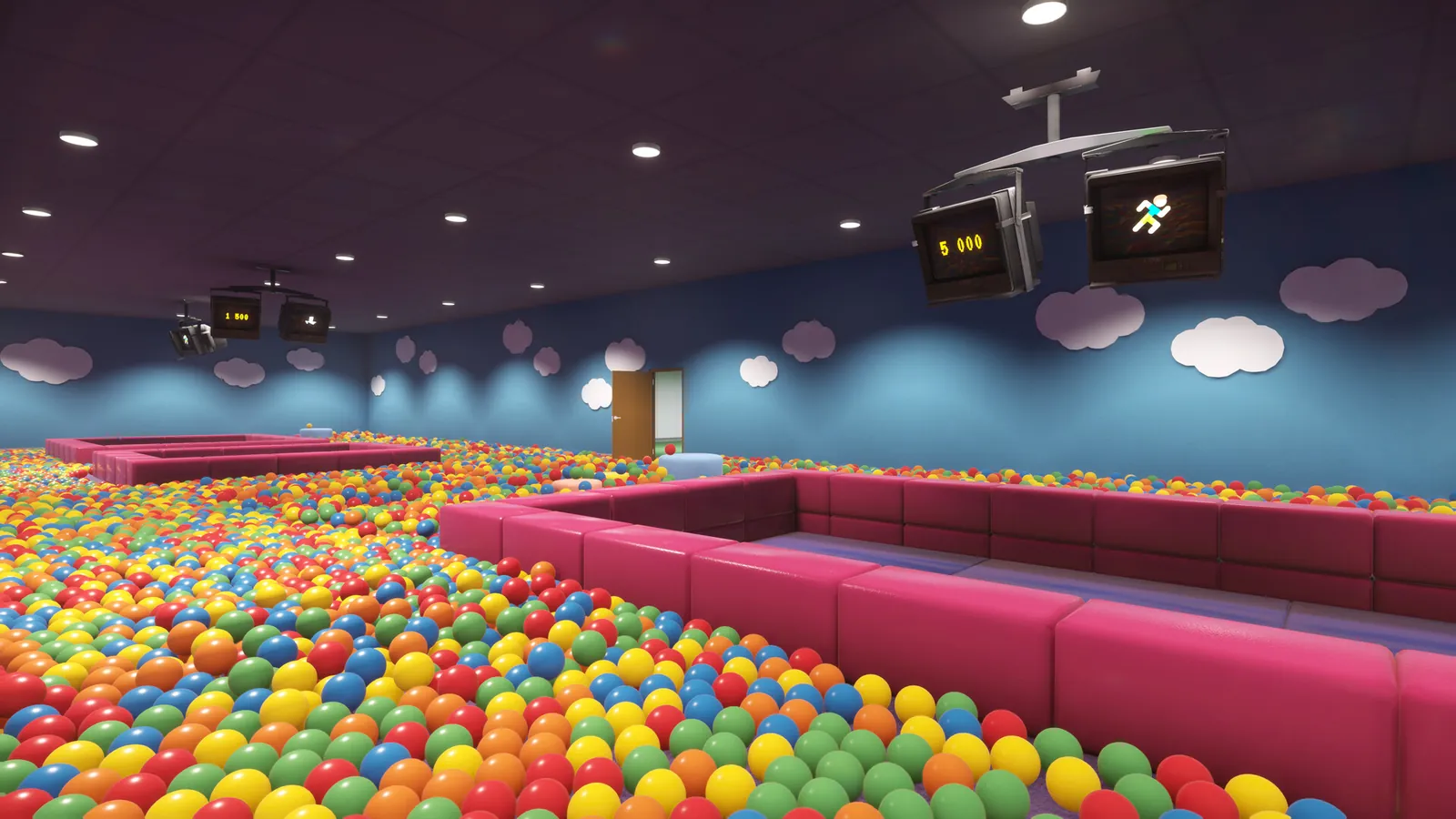
Every trip from the far corner to the pit costs the same walk. Capacity decides how many balls that walk carries. A capacity upgrade does not just let you hold more; it removes entire round trips from a room. If you are choosing between a tool that saves a few seconds and a capacity upgrade that saves a walk, take the capacity.
2. Dump the whole load, every time
The pit accepts partial loads, which makes it tempting to drop one ball as you pass. Do not. A delivery resolves when you interact with the pit, and the payout is the same per ball whether you deliver one or a hundred. Walking past the pit with full hands is the most common new-player mistake.
3. Use the three-pass room method
Pass one is the perimeter: walls, open floor, obvious piles. Pass two is furniture: under desks, behind chairs, inside lockers. Pass three is vertical: light fixtures, ledges, door frames, the top of the pit. The last 2% of a room is almost always above eye level or behind something.
If a room feels finished but the pit is not full, stop looking at the floor. Check the ceiling line and the tops of furniture first.
4. Do not clear a room you are about to leave
The pit is the objective. Once it is full and the exit is open, the remaining balls are optional. If you are short on time, move on. If you are chasing 100%, check the room-specific achievements before you go, because some of them require actions that are easy to miss.
5. Buy the flashlight early
The flashlight is not a damage upgrade, but it prevents the most expensive mistake in the game: losing your route in a dark section. Buy it before the Backrooms. If you are sensitive to jumpscares, lower the fear settings first and keep the flashlight for navigation.
6. Walk in the dark, do not sprint
Sprint is for open, lit rooms. In dark sections it makes your footsteps louder and reduces your reaction time. The game uses sound to warn you about moving objects; walking keeps those cues readable.
7. Anchor your route on the pit
Mazes like the Backrooms and the Hotel are designed to disorient. Do not try to build a mental map of the whole floor. Learn one route from the pit to the current corridor, clear that corridor, and return. Repeat.
8. Mark hotel doors with the room numbers
The Hotel changes behind you. The room-number plates are the only stable reference. Note which doors you have cleared, either on paper or by remembering the numbers, and do not re-enter a room you have already finished unless you are hunting a specific item.
9. Open lockers before filling your hands
In the School, lockers burst balls when opened. If your hands are full, the burst scatters and you lose time gathering it. Open the locker with empty hands, step back, then pick up.
10. Keep one save slot for a clean run
The hardcore achievement is tied to finishing without being replaced, which the community treats as a deathless run. If you care about it, keep a separate save slot for that attempt and do not mix it with your collectible run. The No Re-hires Needed guide→ explains the routing.
11. Fix stuck balls before you reset the room
Wall and ceiling balls are usually recoverable. Hold the handheld vacuum against the wall seam, or jump onto a bed and use the broom to push a ball out from under it. Resetting the room balls does not always work for geometry bugs and can cost you progress. The stuck balls page→ has the full list.
12. Spend the last five minutes of a session on admin
At the end of a session, deliver everything you are holding, finish the current pit, and save in a room you understand. Starting the next session at a pit with a known route is worth more than squeezing one more corner of balls.
Two habits that look efficient but are not
Hoarding balls near the pit. Balls on the floor do not count until delivered, and a pile near the pit is still a pile. Deliver as soon as you have a full load.
Buying the robot first. The vacuum robot is useful in the largest rooms, but it does not replace your hands in the first two areas. Capacity first, robot later. The upgrades guide→ explains the timing.
How these tips change on a 100% run
A completion run inverts two of the rules above. You do need to clear rooms fully, and you do need to spend time on collectibles. The efficient approach is to finish the normal run first, then use the 100% checklist→ to plan a second pass by room. Trying to do everything on the first run is slower because you do not yet know which rooms have missable actions.
The hardcore condition is easier to lose than to notice. Keep the deathless attempt clean and do the collectibles on a separate save.
About Playrooms (2026)
Playrooms is a casual indie simulation game with light horror, developed by Two Pixels UG and released for PC on November 4, 2026. It costs $6.99, supports controllers and runs as a single-player experience across eight ball-pit areas.
Cross-check anything version-sensitive against the Steam listing ↗, the community discussions ↗ and the SteamDB record ↗.
Official source: Playrooms on Steam ↗
FAQ
What is the most important upgrade in Playrooms? Carry capacity. It reduces the number of trips per room, which is the largest fixed time cost in the game.
Should I buy the robot vacuum early? No. Buy it after capacity and the flashlight, when the rooms get large enough for automation to pay off.
How do I find the last balls in a room? Check furniture undersides, door frames, light fixtures and the top of the pit. The last balls are usually above eye level.
Does lowering the fear setting disable achievements? No. The horror settings can be reduced while keeping achievements enabled.
Can I reset a room if a ball is stuck? There is a reset option, but it does not fix every geometry bug. Try the vacuum or broom method first.