
Playrooms on Steam (2026): Price, Demo and DLC
Playrooms on Steam costs $6.99 with a free demo and a $3.99 support DLC. App ID, download size, controller support and what each version includes.
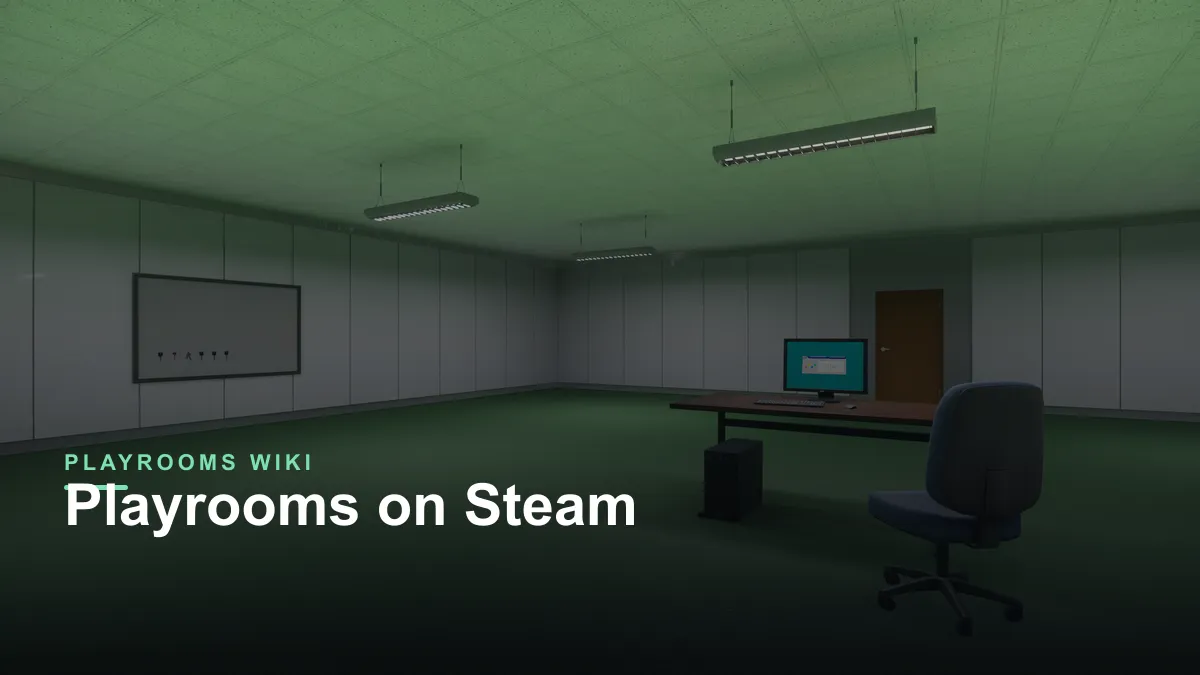
Quick answer: Playrooms is Steam app 5037510. It costs $6.99, is 20% off at $5.59 during launch, and has a free demo (app 5246850) plus a $3.99 support DLC (app 5318320). The full game needs 10 GB of storage and supports controllers, Steam Cloud and Family Sharing.
For a buyer's verdict on the $6.99 tag and the state of the game after the first patches, read the Playrooms reviews roundup→. If you are checking whether the game is on PS5 or Xbox, the console status page→ explains why no port exists yet.
Playrooms on Steam: the store facts
There are several games called Playrooms, so the app ID matters. The game covered on this site is the horror cleaning game from Two Pixels UG, not the VR title or the older puzzle games with similar names.
| Store detail | Value |
|---|---|
| Steam App ID | 5037510 |
| Developer / publisher | Two Pixels UG |
| Release date | November 4, 2026 |
| Base price | $6.99 |
| Launch discount | 20% off, $5.59 |
| Demo App ID | 5246850 |
| Support DLC App ID | 5318320, $3.99 |
| Storage | 10 GB full game, 4 GB demo |
| Controller | Full controller support |
| Cloud saves | Steam Cloud |
| Sharing | Family Sharing |
| Languages | English, German, French, Italian, Spanish, Portuguese |
| Audio | Full audio in the listed languages |
The store page is the only place where the price and the discount window are guaranteed to be current. The $5.59 launch price is temporary, and regional pricing varies. Treat any guide's number, including this one, as a snapshot rather than a permanent price.
You can check the Steam store page ↗, the official news feed ↗ and the community hub ↗ for the live listing.
Official source: Playrooms on Steam ↗
What the full game includes
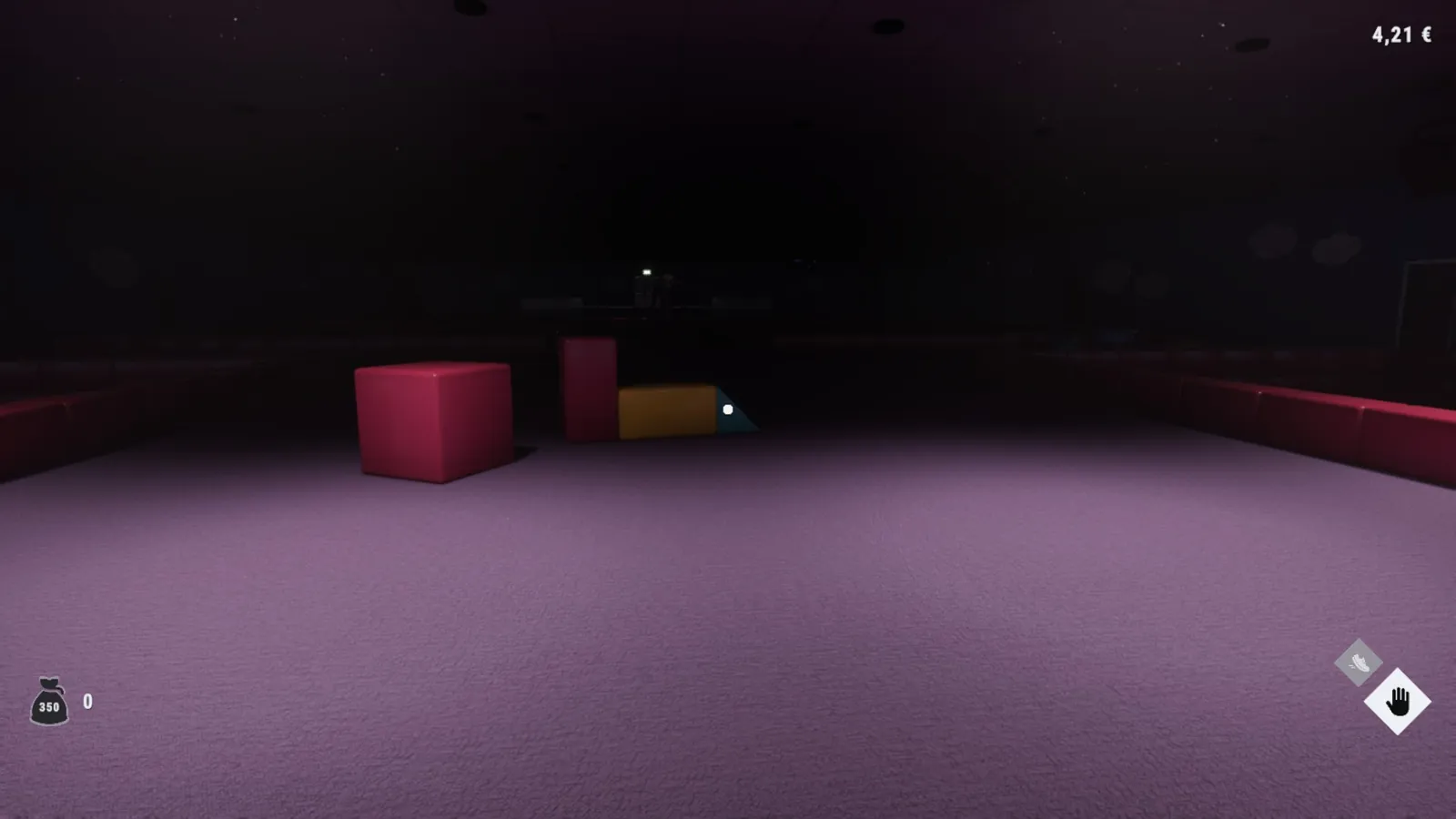
The full game is the complete cleaning campaign: all eight ball-pit areas, the full tool and upgrade set, the story beats and all 30 achievements. It is single-player only. There is no online co-op or multiplayer→, no competitive mode and no user-generated content browser.
The content is linear in the sense that you unlock rooms in order, but it is not timed. You can take as long as you want in each pit. The only pressure comes from the shift and the darkness, and the fear setting controls how much of that pressure you want.
If you are deciding whether the loop is for you, the game overview→ explains the collect-deliver-upgrade cycle without spoiling the later rooms.
The free demo
The demo is a separate Steam app, not a button inside the full game. That has three practical consequences:
- It has its own store page and its own library entry. Search for app 5246850 or use the demo button on the main store page.
- Progress does not carry over. The full game starts from a fresh save.
- It needs less space. The demo lists 4 GB, compared with 10 GB for the full game.
The demo covers the opening shift and a slice of the tools and rooms. It includes the fear setting, so you can test both the cozy and the standard experience before buying. It also includes the first achievements, which use the same names as the full game.
What the demo does not include: the later rooms, the robot vacuum, the whiteboard, the two-hands upgrade and the deeper story notes. That is the content the full game sells. The price and demo guide→ goes through the difference in more detail.
The demo's options menu includes the fear toggle. If you are unsure about the horror, set it to no scares and play one room. The cleaning loop is the same either way.
The support DLC
The $3.99 Support DLC is exactly what its name says. It exists to support the two-person studio, and its only gameplay addition is a minigame on the in-game computer called Ballsweeper. The store description states plainly that it does not offer game-relevant gameplay value.
That makes it optional. If you like the game and want to fund the next one, it is a cheap way to do that. If you are buying it expecting new rooms or tools, you will be disappointed. Nothing in the main campaign is locked behind it.
The DLC has its own page and its own achievements, but it is not required for the base game's 100% completion. The 100% checklist→ covers what the base game actually requires.
Controller, Cloud and Family Sharing
Playrooms lists full controller support, including DualShock and DualSense support. The keyboard layout is straightforward, and the game shows prompts for sprint and crouch after the October 13 patch. If a controller is not detected, the usual fix is to disable Steam Input for the game and relaunch with the pad connected.
Steam Cloud is supported, so progress follows your account between PCs. Family Sharing works too, which is unusual for a small horror game and useful if you want to let someone else try it before buying.
On a Steam Deck, the game is a good fit for the control scheme because the loop is slow and the camera is not twitchy. Valve's store data used for this page does not attach a formal compatibility badge, so check the current Deck status on the store page before relying on it for a trip.
Is the Steam version the only version?
Yes, as of November 2026. Playrooms is Windows PC only. There is no Mac, Linux, PlayStation, Xbox or Switch release listed, and Two Pixels UG has not announced one. The Steam version is the complete game, not an early-access build.
The game left a strong first impression: the store page showed 387 user reviews within the first few days, and the launch discount pushed it into the impulse-buy range. That is a small sample, but it is enough to say the game is not a broken port or a scam listing.
FAQ
What is the Steam App ID for Playrooms? 5037510. The demo is 5246850 and the support DLC is 5318320.
How much is Playrooms on Steam? $6.99 base, with a 20% launch discount to $5.59.
Is the demo a separate download? Yes. It is a standalone Steam app with its own library entry, and progress does not carry into the full game.
Is the support DLC required? No. It adds a computer minigame and supports the developer, but no campaign content.
Does Playrooms support Steam Cloud? Yes. Cloud saves and Family Sharing are both listed.
Is Playrooms on Steam Deck? It supports controllers and runs on Windows hardware; check the live store badge for Valve's current compatibility rating.